Most people don’t know what to do after a data breach, and that window of uncertainty is exactly when the damage gets done. You didn’t do anything wrong. You signed up for an account years ago, the company got hacked, and now your email, your password, or possibly your Social Security number is somewhere it shouldn’t be.
It happens to tens of millions of people every year. The response isn’t complicated. It’s a handful of things, done in the right order, starting now.
What to Do After a Data Breach: Find Out What Was Actually Exposed
Not all breaches are the same. A leaked email address is annoying. A leaked Social Security number is a different conversation. Knowing what to do after a data breach starts with understanding which one you’re actually dealing with.
HaveIBeenPwned.com is the quickest starting point: enter your email and it shows every known breach that account has been tied to, along with what data was included. Free, no agenda, run by a widely respected security researcher. If you received a notification directly from the company, read it carefully. They’re legally required to disclose what was compromised. Look for specific language around passwords, payment data, government IDs, or health records.
Vague language like ‘some user information may have been accessed’ usually means they know it was bad and aren’t sure how bad yet. Treat it as a yes and keep moving.
Change the Password — And Every Password Like It
Change the password on the breached account immediately. That part most people do. The part they skip: if that same password was used anywhere else, those accounts are now exposed too. Attackers take leaked credentials and automatically run them against every major platform they can reach (a method called credential stuffing) and it works precisely because most people reuse passwords.
If you’re not already using a password manager, this is a reasonable moment to start. Bitwarden is free and genuinely solid. 1Password and Dashlane are strong paid options. The pitch isn’t convenience. It’s that they make password reuse impossible, which removes the biggest lever attackers have. If a password manager feels like too much right now, at minimum change your email password and your bank password. Those two cover most of your real exposure.
Check Your Account for Suspicious Activity
While you’re in the account changing your password, spend two minutes looking around before you log out. Attackers who access an email or account sometimes make changes designed to maintain access or stay hidden — and catching these early matters. If the breach happened to be your email provider itself, it’s worth running through the broader signs of how to check if your email has been hacked, since a few of the same red flags apply here.
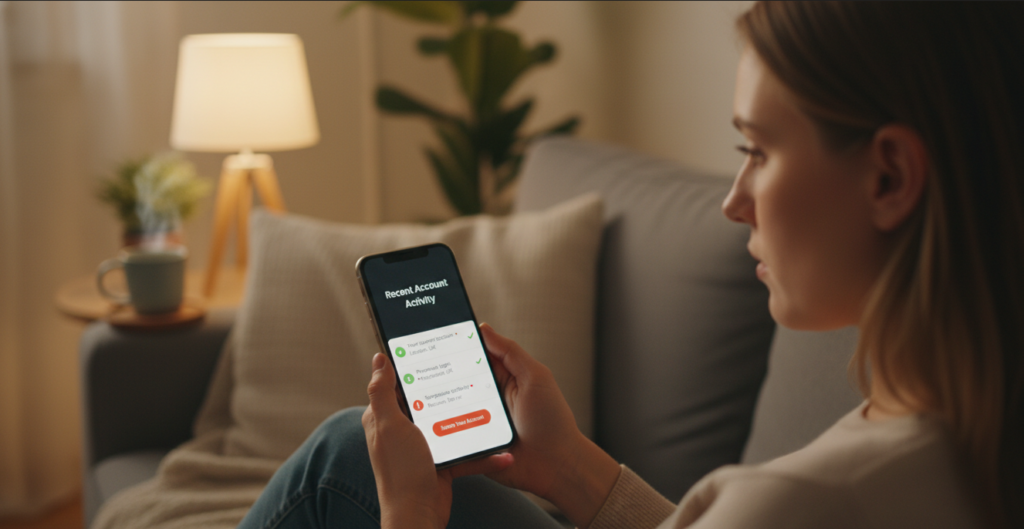
In your email account specifically, check for forwarding rules you didn’t set up. These silently send copies of every incoming email to an outside address: invisible in normal use, but giving someone else a full view of your inbox. In Gmail, go to Settings → See all settings → Forwarding and POP/IMAP. In Outlook, go to Settings → Mail → Forwarding. Delete anything that wasn’t set up by you.
Also check your active sessions. Most email providers show you every device and location currently logged into your account. In Gmail, scroll to the bottom of the inbox and click ‘Last account activity.’ In Outlook, go to account security settings and look for recent sign-in activity. If you see a location you don’t recognize or a device that isn’t yours,
sign out of every session right away, then change your password if you haven’t already.
Forwarding rules and open sessions are the two most commonly overlooked parts of a breach response. Closing both takes about five minutes and removes the ability for someone to maintain passive access even after you’ve changed your password.
Turn On Two-Factor Authentication
Two-factor authentication means a stolen password alone isn’t enough to get in. The attacker would also need access to your phone or authentication app — which changes the math considerably in your favor.
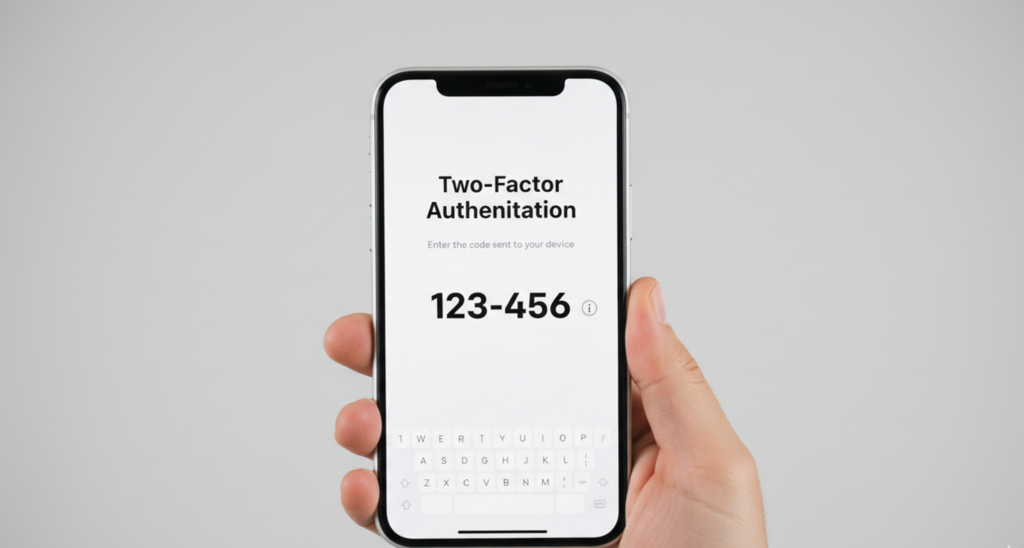
Start with email. It’s the master key to everything else: every ‘forgot my password‘ link in your digital life flows through it. Then add two-factor authentication to banking and anything tied to payment information. Authenticator apps like Google Authenticator or Authy are more secure than SMS codes, which can be intercepted through SIM-swapping — a scam where someone tricks your carrier into moving your phone number to their own device. Use the app version when you have the option. Each account takes about two minutes to set up.
Freeze Your Credit If Financial Data Was Included
If the breach included your Social Security number or enough personal detail to open accounts in your name, place a credit freeze with all three major bureaus: Equifax, Experian, and TransUnion. Each has an online portal. It’s free. It takes about 10 minutes per bureau.
A freeze means no one, including you, can open new credit in your name until you lift it. It doesn’t affect your existing accounts or your credit score. You can temporarily unfreeze it when you need to apply for something, then refreeze it right after. It’s one of the most effective identity protection tools that exists, and most people have never used it.
Even if you’re not sure whether your SSN was included, do the freeze. The 30 minutes it costs is a reasonable trade for what it prevents.
Monitor for 90 Days, Then Move On
Credit monitoring through your bank, your credit card provider, or a free service like Credit Karma will flag new accounts or unexpected changes to your credit report. Set it up and let it run quietly in the background.
For the next 90 days, glance at your financial statements more carefully than usual. Fraudulent activity often starts with a small test charge ($1 or $2) to confirm the card works before anything larger happens. Flag anything unfamiliar and report it right away.
After that, you’ve done what there is to do. Knowing what to do after a data breach means acting quickly, closing the obvious doors, and returning to normal life with a more resilient setup than you had before. That’s the goal — not permanent vigilance, just a better baseline.
A Note on Free Monitoring Offers From the Company That Got Hacked
Companies often offer free credit monitoring as part of their breach response. It can be worth taking, but read the terms first — some require waiving legal rights or roll into a paid subscription after a trial period. Take it if it’s clean. Just don’t let it substitute for the steps above.
What should I do immediately after a data breach?
Start by finding out what data was exposed using HaveIBeenPwned.com. Then change the affected password — and any account sharing that password. Enable two-factor authentication on your email and financial accounts. If your Social Security number was included, place a credit freeze with all three major bureaus.
How do I know if my information was in a data breach?
Check HaveIBeenPwned.com: enter your email address and it shows every known breach your account has been tied to, along with what data was included. You may also receive a notification directly from the company that was breached; they’re legally required to disclose what was compromised.
Does a data breach mean my accounts have been hacked?
Not necessarily. A breach means your credentials were exposed — but whether someone has used them depends on how quickly you respond. Changing your passwords and enabling two-factor authentication right away significantly limits what an attacker can do with leaked information.