Knowing how to check if your email has been hacked is more useful than most people realize because email doesn’t announce when it’s been compromised. There’s no alarm. No notification. Someone could be reading your messages, resetting your accounts, or using your address to send spam right now, and your inbox would look completely normal.
Ask anyone whose account actually got hijacked how they found out. It’s almost never a security alert. It’s a friend texting ‘hey, did you mean to send me this?’
The signs are often subtle. Here’s how to find them, what they mean, and what to do if something looks wrong.
How to Check If Your Email Has Been Hacked: Start With HaveIBeenPwned
HaveIBeenPwned.com is the fastest first step when you’re figuring out how to check if your email has been hacked. Enter your email address and it cross-references it against a database of known data breaches: every major hack where credentials leaked online. If your address shows up, it tells you which breach it came from and what data was exposed.
Seeing your email in results doesn’t necessarily mean someone has accessed your account right now. It means your credentials were included in a breach at some point. Whether that’s a problem depends on what you did next — specifically, whether you changed your password after that breach occurred.
If you’ve never checked and your email is more than a few years old, there’s a reasonable chance it appears in at least one breach. Most people’s do. That’s not a crisis — it’s just useful information.
Signs Your Email Account May Be Compromised
Beyond breach databases, there are things to look for inside your account itself:
- Sent messages you didn’t send — the clearest sign. Check your Sent folder for emails you don’t recognize.
- Password reset emails you didn’t request — someone is trying to get into your other accounts using your email address.
- Friends telling you they got a strange email from you — classic sign of a compromised account being used for spam.
- Emails in your Trash you didn’t delete — attackers sometimes clean up after themselves to stay hidden longer.
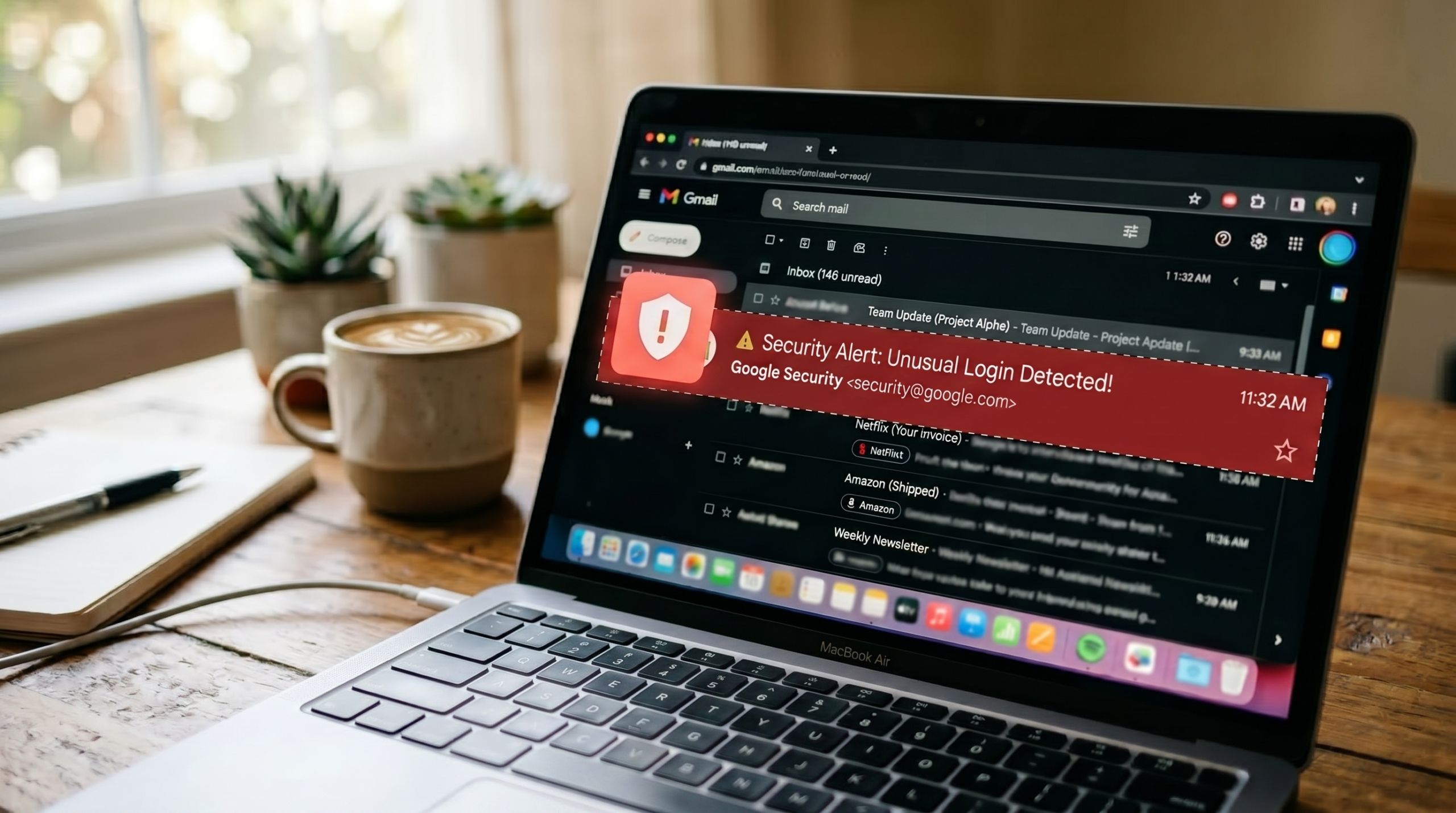
- Login notifications from unfamiliar locations — most email providers send these automatically when a new device signs in.
If any of these are present, treat it as confirmed and move immediately to the steps below.
Check Your Active Sessions
Every major email provider (Gmail, Outlook, Yahoo) lets you see where your account is currently logged in. In Gmail, scroll to the bottom of your inbox and click ‘Last account activity.’ In Outlook, go to your account security settings and look for recent activity. Yahoo Mail has a similar feature under Account Security in your settings.
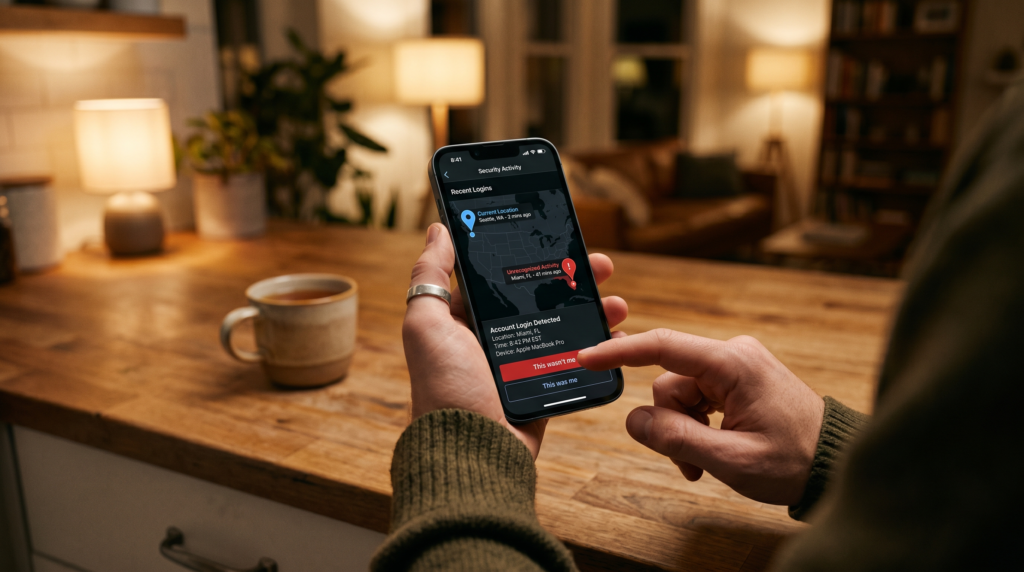
What you’re looking for: devices or locations you don’t recognize. If you see a session from a city you’ve never been to, or a device that isn’t yours, sign out of all sessions immediately and change your password before doing anything else. Most providers give you a ‘sign out of all other sessions’ option — use it. That terminates any active access right away, buying you time to secure the account properly.
Change Your Password — The Right Way
If anything looks suspicious, change your password right away. Not to something similar to your old one — to something completely different that you haven’t used anywhere else.
This is also the moment to set up a password manager if you haven’t already. Bitwarden is free and genuinely solid. The reason it matters: a compromised email password almost always means other accounts using that same password are exposed too. A password manager generates unique passwords for every account automatically, which closes that door for good.
Your email password should be the strongest and most unique one you have. Everything else (bank, social media, subscriptions) can be reset through your email. That means if someone owns your inbox, they have a path into everything.
Turn On Two-Factor Authentication
Two-factor authentication (2FA) means that even if someone has your password, they still can’t get in without a second verification step — usually a code from your phone. Enable it on your email account first, then on any other account that supports it.
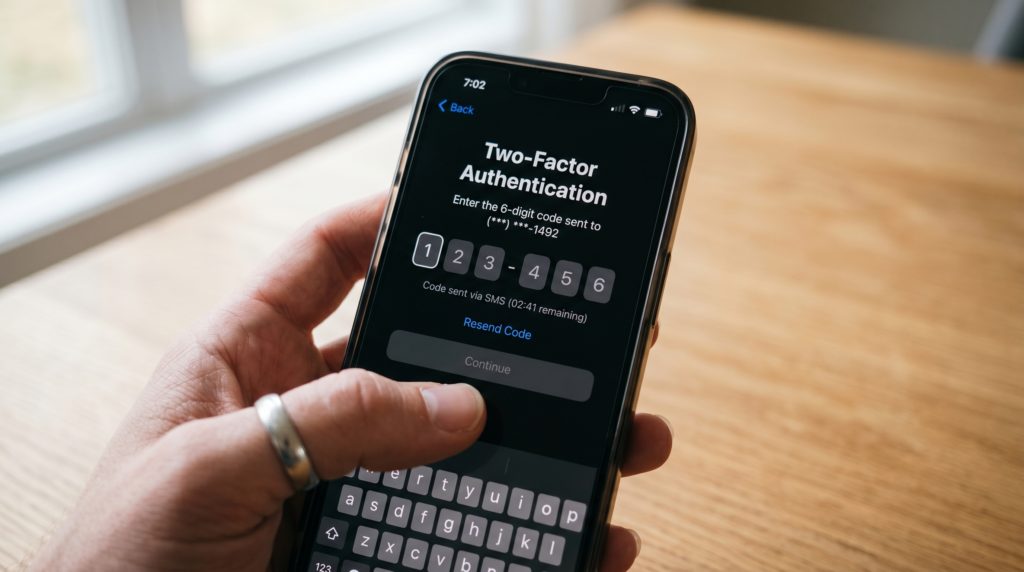
Google Authenticator and Authy are both good options. They generate a fresh code every 30 seconds that only works once. SMS codes are better than nothing but can be intercepted. If you have the option to use an authenticator app instead, take it.
Review Your Account Recovery Settings
Hackers who get into an email account will sometimes change the recovery phone number or backup email address to lock you out later. Go into your account settings and confirm that the recovery information listed is yours and current. If anything looks unfamiliar, update it as soon as possible.
While you’re there, check for any email forwarding rules that weren’t set up by you. A common tactic is to set up a forwarding rule that silently sends copies of your incoming emails to an outside address — invisible in normal use, but leaving a full copy of your inbox with someone else.
Check the Apps Connected to Your Account
Most people have authorized dozens of third-party apps to access their email over the years — newsletter tools, scheduling apps, productivity services. Each one is a potential entry point. Go to your account’s connected apps or permissions settings and revoke access for anything you don’t recognize or no longer use.
In Gmail, this is under your Google Account settings, then Security, then ‘Third-party apps with account access.’ In Outlook, look under your Microsoft Account settings for connected apps and services. You may be surprised how many are listed. Anything unfamiliar should be removed immediately — authorized app access doesn’t expire on its own.
After the Immediate Fix
Once you’ve secured the account, do a pass through your other important accounts — banking, social media, anything that uses the same email for login. Change passwords on any that used the same one, and check their recent activity too. If your email was actively compromised, assume those accounts need attention as well.
It’s also worth setting a reminder to repeat these checks periodically. HaveIBeenPwned lets you sign up for breach notifications, so you’ll get an alert if your email turns up in a new leak rather than finding out after the fact.
Knowing how to check if your email has been hacked is the kind of thing that takes 10 minutes and feels unnecessary — right up until it isn’t. Running through these checks once a year, even when nothing seems wrong, is a reasonable habit.
And if you do confirm something’s wrong, knowing what to do after a data breach is the natural next step. Your email is the center of your digital life. Treating it that way costs very little.
Q: How do I know if my email has been hacked?
Check for sent messages you didn’t write, password reset emails you didn’t request, and unfamiliar login locations in your account activity. You can also run your email address through HaveIBeenPwned.com to see if it has appeared in any known data breaches.
Q: Can someone hack my email without me knowing?
Yes — and it’s more common than people realize. Attackers often access accounts quietly, monitor incoming messages, or set up forwarding rules to copy emails without triggering any visible alerts. Checking your active sessions and sent folder regularly is the best way to catch it early.
Q: What should I do immediately if my email is hacked?
Change your password to something strong and unique right away, enable two-factor authentication, and check your account recovery settings for anything unfamiliar. Then review other accounts that use the same password or that email address for login.